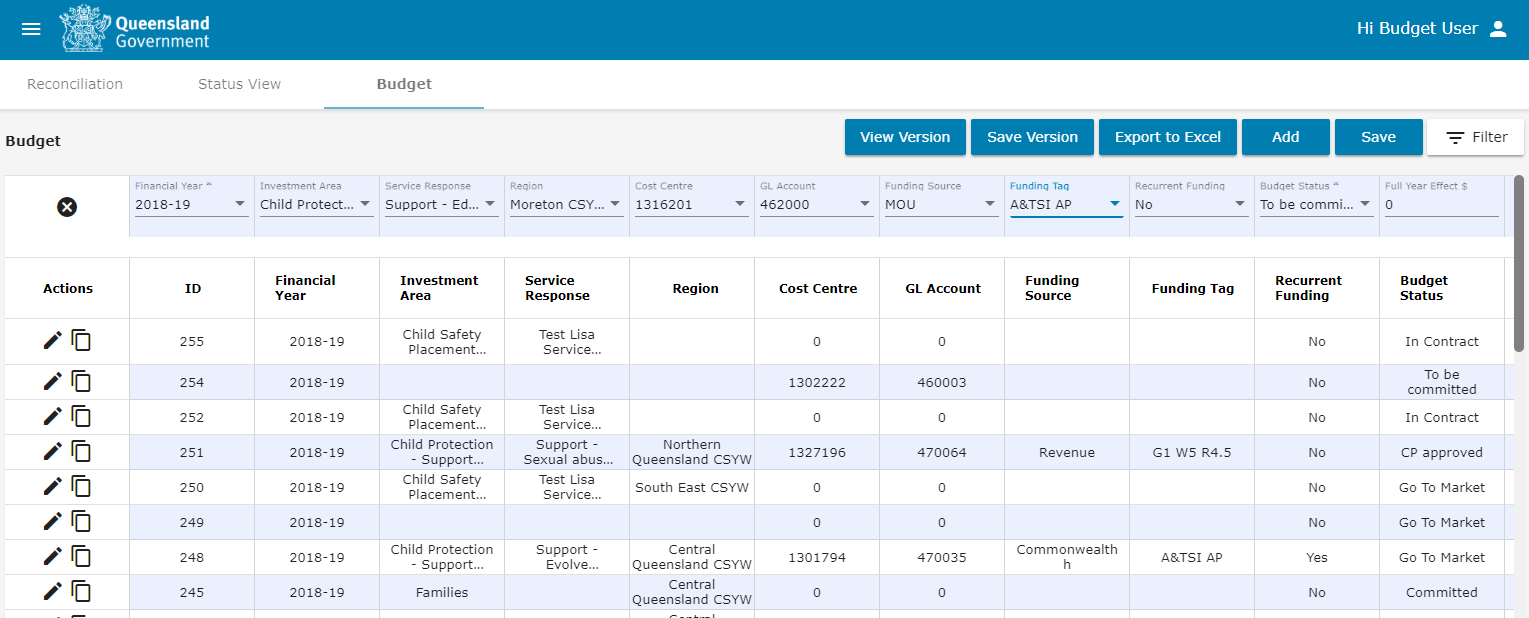
Creating a budget
When creating a budget, the following rules apply:
- The budget will have the current financial year applied in the filter by default.
- The Financial Year and the Budget Status must be selected before a budget line can be saved.
- $ amounts can only entered as whole amounts.
- Full Year Effect (FYE) is the annualised committed amount. It is the value of funding projected for a period of 12 months. The period can commence at any time within a financial year. This is entered manually as a $ amount.
- Contract End Remaining Funds are realised funds arising from closed contract underspends.
- Recurrent funding is where funding for the provision of a service is ongoing.
- Budget Transfer Type can be external or internal to the Investment Area Budget.
To create a budget:
-
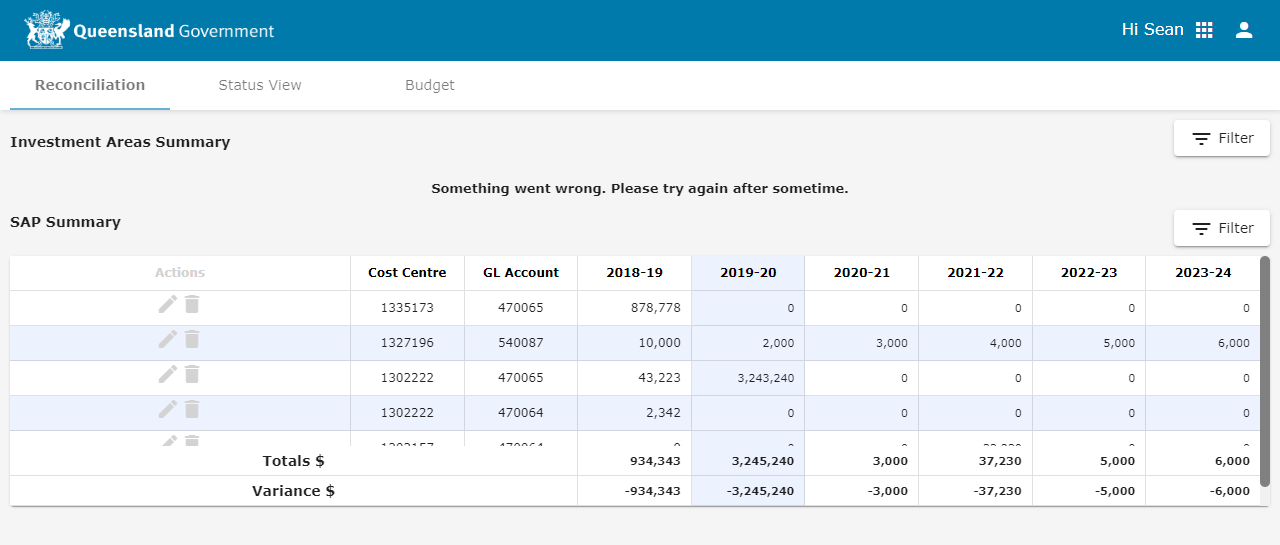
Click the Budget tab to display the Budget screen.
-
Click Add to create a new budget line.
-
Select the following fields from the available dropdown menus.
- Financial Year - Financial Year funding is allocated.
- Investment Area - Investment/Commissioning Area.
- Service Type - Service Type as per the investment Reporting Framework.
- Region - Departmental region where funds are allocated.
- Cost Centre - Cost Centre wher budget is allocated.
- GL Account - GL Account where payment is made.
- Funding Source - Where the funding is sourced from (eg Commonwealt, MOU with other government agency.
- Tag 1 - What the funding is tagged to for additional reporting purposes (eg Treasury initiatives).
- Tag 2 - What the funding is tagged to for additional reporting purposes (eg Ad hoc management reporting).
-
Enter the dollar amounts for each field where required and complete the details for the remaining budget line fields.
Note Tool tips display for each field when you hover over them. Where there is no tool tip, please refer to the following:
- Amount (Forecast) or Year End Forecast - Is the End of Financial Year forecasted amount.
- Potential Underspends - Unrealised funds arising from delayed implementation.
- Realised Underspends - Realised funds arising from delayed implementation.
- Contract Unspent Funds - realised funds arising from contract underspends.
- Pressure - Funding source yet to be identified.
- Current Year Amount (SAP) - Funding source identified. Total to be reconciled with SAP.
- Potential Deferral - Yet to be endorsed by Finance.
- Endorsed Deferral - Endorsed by Finance and yet to be approved by Treasury.
- Click Save.
Note You can enter up to five budget lines at one time. Click Add again to insert a new line. If you change your mind, you can click the X to remove a budget line.

Note Each field has a tool tip that provides an explanation for how the field is used:
The new budget line will be added to the budget and the column totals will update to reflect the added amounts.